What is Face Collage Maker
Face Collage(or collage face) Maker is a tool for creating a collage face by using many small pictures. Photoshop is a good tool for photo processing, but it is not good for making face collage. The Face Collage Maker was developed several years ago, and it has been totally free. It has been downloaded thousands of times during last several years. The current version is much faster than the original one.
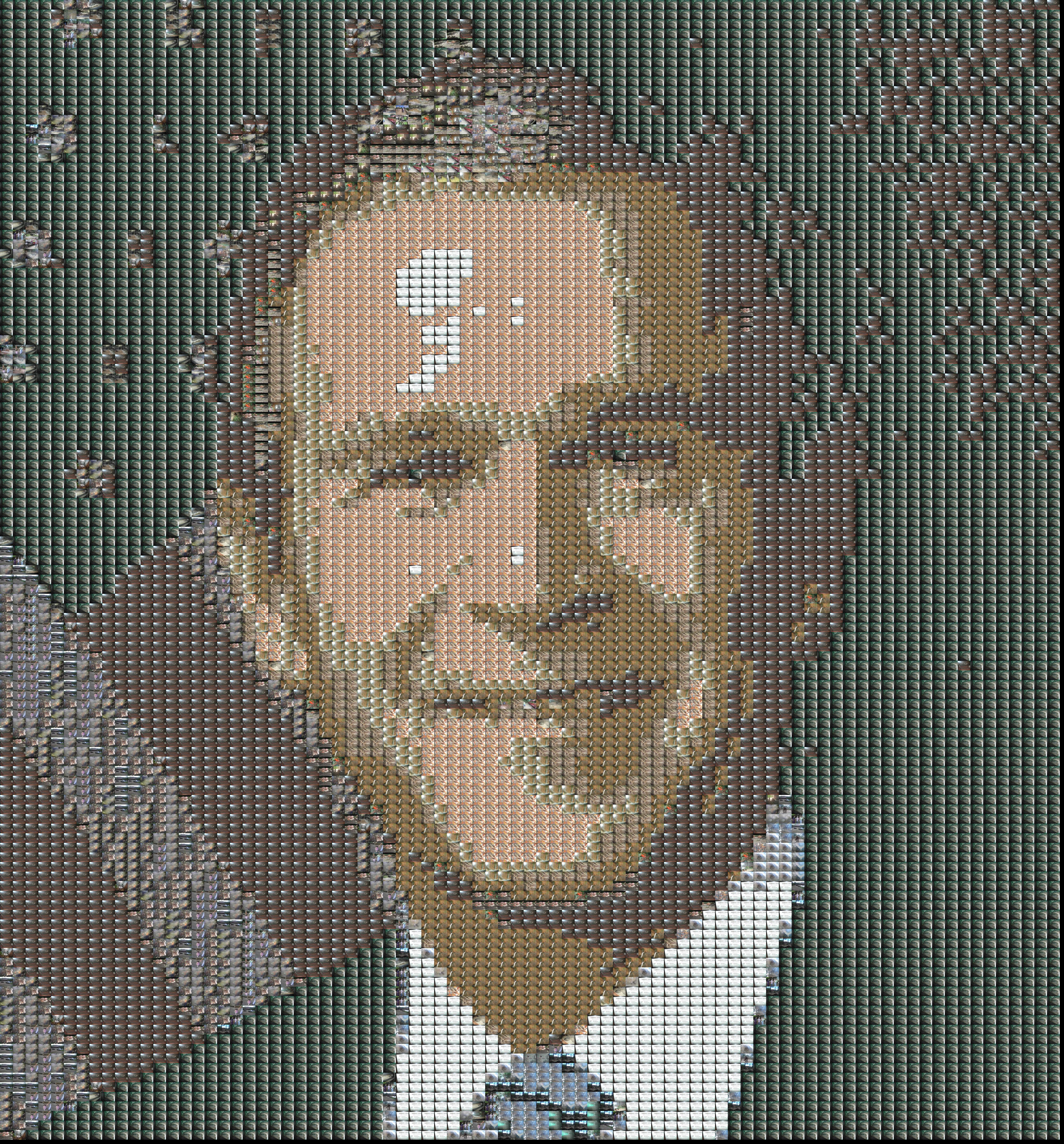
Face Collage Maker is a tool for converting the left face picture to the right face collage picture which consists more than 1000 small pictures.

|
|
Besides the demo above, you can use face collage maker by using different repositories, e.g. project a group of animals on a face, a bunch of faces on a face, etc.
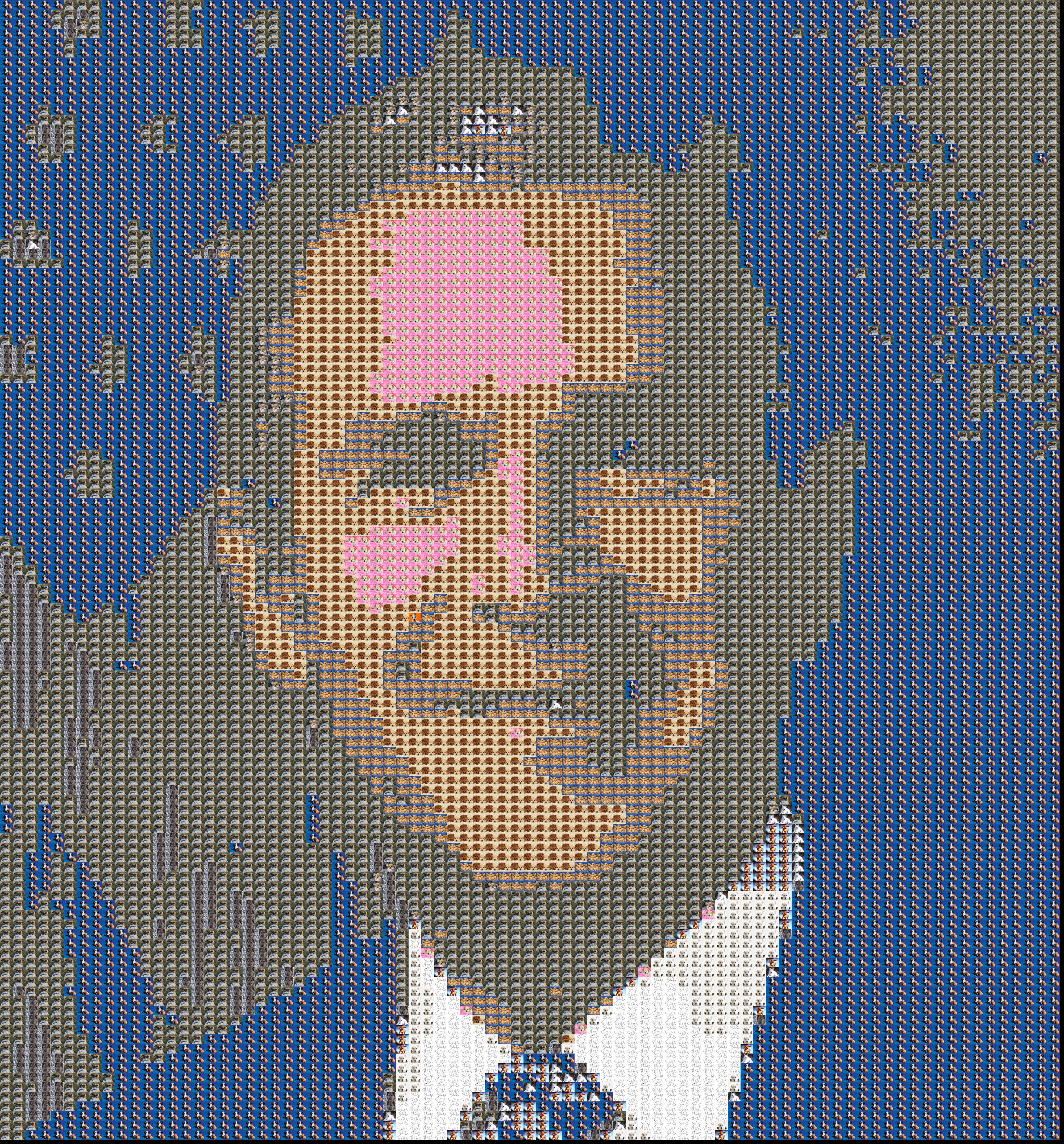
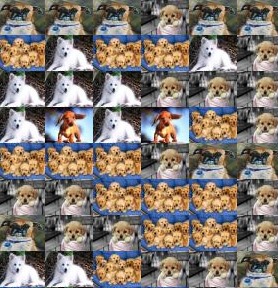
The face below is composed by using a lot of dog pictures, when zoom in, you can see a lot of cute dogs.
|
|
Download
On most windows operating systems, you should be able to launch it by double-clicking run.exe which is under FaceCollageMaker directory. It is on a free file server website – hotfile.com. The download link will lead you directly to a zip file.
Download Link 1 (Full Version with picture repository)
Download Link 2 (Short version without picture repository)
How to use it?
1. Select a face picture as your object to project small pictures.
2. Select a picture repository where you will need a bunch of pictures.
3. Select a destination directory location where you want to store the generated collage picture.
4. Click the “Generate” Button, then wait and get your collage picture!
2. Select a picture repository where you will need a bunch of pictures.
3. Select a destination directory location where you want to store the generated collage picture.
4. Click the “Generate” Button, then wait and get your collage picture!
Video Demo in 2 minutes
Tips for Better Results
1. The more pictures you use as source pictures, the better the quality you will get for your faces.
2. Cast only the face part of the main picture. This enables you have a focus on a face only, and therefore has better quality.
3. Use various kinds of pictures. This means better options for projection on each part of face picture.
2. Cast only the face part of the main picture. This enables you have a focus on a face only, and therefore has better quality.
3. Use various kinds of pictures. This means better options for projection on each part of face picture.
Possible Problems
1. If pictures in your repository are large (more than 3MB), the collage maker will take more time to generate collage.
2. System currently only support .jpg files.
3. Total time required also depends on the size of your repository.
2. System currently only support .jpg files.
3. Total time required also depends on the size of your repository.
Thanks to …
http://www.codeproject.com/Articles/36347/Face-Collage
Please leave your comments, if you get any problem or suggestions.
who to dowdload
face collage maker
hey Ryan, its a great app and works like a charm! i have a favor to ask though. Would you please be able to put the customization parameters into an ini/properties file please? I am a .net developer and am finding it difficult to set up a eclipse environment just for this edit. Thanks in advance.
How to make this type of colage
another good app is instafusion app. https://play.google.com/store/apps/details?id=com.techbla.instafusionfree
mine is saying it’s done, but there’s nothing in the destination folder
I found this Android app (https://play.google.com/store/apps/details?id=com.ngone.facecollage) which you can create Face Collage easily.
Edit: I found this Android app (https://play.google.com/store/apps/details?id=com.ngone.facecollage) which you can create Face Collage easily.
I found this Android app (https://play.google.com/store/apps/details?id=com.ngone.facecollage) which you can create Face Collage easily.
This is superb! Helped me make a collage for a friend’s birthday with all our photos making her face!
Just one suggestion, if you could tweak it a bit so that the photo sizes can be adjusted by the user; the small pictures don’t come out clearly in the printed copy!
Great work though, thanks!
This is amazing! help me a lot with my college homeworks!
thank you!
Very cool. I put the link above, do you mind I put your real name there?
Because I wrote this here. 🙂 http://www.codeproject.com/Articles/36347/Face-Collage
No, it is not completely done by myself. I did this a long time ago, mainly the Eclipse RCP part and some adjustment. The essential algorithm is easy to understand, you can decompile the jar file to take a look, if interested. Why are you asking?
Did you write this complete code?
I’d like the same as Vad but without all the shouty words 🙂
HI.
THE TOOL WORKS VERY WELL.
BUT I WOULD LIKE TO HAVE A FEW FEATURES.
1. I WOULD LIKE TO INCREASE THE SIZE OF THE RESULTANT COLLAGE PICTURE SO THAT THE INDIVIDUAL SMALLER PICTURES INSIDE THE COLLAGE ARE ALSO CLEAR WHEN ZOOMED IN
2. IMPROVE THE QUALITY OF INDIVIDUAL PICTURES USED FOR COLLAGE.
3. PROVISION TO SPECIFY HOW MANY SMALLER PICTURES ARE PRESENT IN EACH PIXEL/INCH.
LET ME KNOW IF YOU CAN HELP ME ON THIS BY PROVIDING THESE PARAMETERS AS INPUT VARIABLES.
THANKS
VAD
Hi there – i would love to use this and make a great collage but I have a mac. Is it possible for me to use this software on my mac?
Try to use less pics as your source pool.
I’ve tried 1.0 and 2.0. After the process I could not find the completer picture. What have I done wrong?